Skip to content
SuperDigi

1 / 6

Savoria restaurant website template by SuperDigi on a laptop and two phones
TemplateFeaturedWebsite Templates

Savoria — Premium Restaurant Website Template

A refined website for restaurants, bistros, cafés, and wine bars.

An elegant, multi-page restaurant website template built with Next.js 16, React 19, TypeScript, and Tailwind CSS 4. Filterable menu, gallery with lightbox, reservation requests, and all restaurant content in one config folder.

  • Next.js 16
  • React 19
  • TypeScript
  • Tailwind CSS 4
  • Live Preview
Price: $39.00
Buy now

Secure checkout by Gumroad, our Merchant of Record. Your download link arrives by email.

Live preview

Interactive demo. Opens in a new tab.

Please read the limitations before buying

Format
Template
Version
1.0.0
Category
Website Templates
Delivery
Instant download after payment is confirmed
Updates
Current version only

Overview

Savoria is a sophisticated, fully responsive restaurant website for fine dining restaurants, bistros, cafés, wine bars, and the freelancers and agencies who build their sites. It has seven pages: Home, Menu, About, Reservations, Gallery, Contact, and a branded 404 page.

Try the live preview, then download the source. The live preview at demo.superdigi.app/savoria is the real, interactive template running with its fictional demo restaurant. Your purchase is a ZIP with the complete template source code, images, fonts, configuration, tests, and setup documentation, so you can customize it and deploy it on your own hosting.

Make it yours from one folder. The restaurant name, colours, menu, opening hours, photos, page copy, and SEO text all live in src/config/, so you don’t need to search through components. Run npm run check:config to catch missing images, invalid hours, and unreadable colour pairs.

Reservation requests with no paid service required. By default, the reservation form checks the guest’s details and opens their email app with a ready-to-send request to you. You can instead deliver requests to your inbox over SMTP or to a webhook, or link to a booking provider. The site never tells a guest their table is confirmed unless a connected booking system confirms it.

Built with care for search and accessibility. It includes an XML sitemap, robots.txt, canonical URLs, Open Graph and X cards, Restaurant structured data, security headers, and self-hosted fonts, plus unit and end-to-end tests.

The demo restaurant, its people, reviews, address, phone numbers, and prices are fictional examples. Replace them before you publish.
Features

  • Seven pagesHome, Menu, About, Reservations, Gallery, Contact, and a branded 404 page, each built for desktop, tablet, and mobile.
  • Filterable menuSix categories with a jump-to category bar, vegetarian, vegan, gluten-free, and dairy-free filters, an "available now" toggle, allergen notes, and sold-out badges.
  • Gallery with lightboxCategory filters and an accessible lightbox with keyboard and swipe navigation.
  • Reservation requestsValidated form with time slots generated from your opening hours, and honest status messages that never confirm a table on their own.
  • Flexible form deliveryEmail-app mode by default, or SMTP, a webhook, or a link to a booking provider such as OpenTable, Resy, or SevenRooms.
  • One config folderName, colours, menu, opening hours, photos, page copy, and SEO text all live in src/config/.
  • Configuration checkernpm run check:config points out missing images, invalid hours, and unreadable colour pairs.
  • SEO built inXML sitemap, robots.txt, canonical URLs, Open Graph and X cards, and Restaurant structured data.
  • Security headers and form protection, with self-hosted fonts and local images.
  • Unit and end-to-end tests with Playwright and axe accessibility checks.

Benefits

  • Start a restaurant site from a polished, complete foundation instead of a blank project.
  • Rebrand quickly by editing configuration files rather than components.
  • Take reservation requests without paying for a booking service.
  • Deliver client sites faster as a freelancer or agency.

Who it's for

  • Restaurants, bistros, and fine dining venues
  • Cafés and wine bars
  • Hospitality brands
  • Freelance web developers
  • Creative and web agencies

What's included

  • Complete Next.js 16 source code (React 19, TypeScript, Tailwind CSS 4)
  • Seven pages, including a branded 404 page
  • 51 CC0 demo photos and self-hosted Cormorant Garamond and Manrope fonts (SIL Open Font License)
  • Configuration files in src/config/ for content, menu, theme, gallery, and forms
  • Unit and end-to-end tests
  • Guides for installation, customization, forms and reservations, deployment, troubleshooting, and security and accessibility
  • Delivered as one ZIP of about 10 MB

Requirements

  • Node.js 22 or newer (LTS recommended) and npm 10 or newer.
  • A host that runs Node.js for production, such as Vercel, a Node server or VPS, or Docker.
  • Basic knowledge of Node.js and Next.js.
  • A code editor to change the files in src/config/.

Important limitations

  • Developer setup required: You need Node.js 22 or newer and basic Next.js knowledge to customize and deploy it.
  • Needs a Node.js host: It isn't a static export. Hosting, a domain, and third-party integrations aren't included.
  • Reservations are requests, not bookings: Live availability, deposits, automatic confirmations, cancellations, reminders, and a reservations dashboard aren't included.
  • Demo content is fictional: Replace the restaurant name, people, reviews, address, phone numbers, prices, and photos before you publish.
  • Testing scope: Automated tests ran in Chromium. Safari, iOS, and Firefox, and manual screen-reader testing, haven't been done yet.
  • No accessibility statement page is included.

Installation & usage

  1. Download and extract the ZIP.
  2. In the project folder, run npm install, then npm run dev, and open http://localhost:3000 in your browser.
  3. Edit the files in src/config/ to add your restaurant’s details, menu, colours, and photos.
  4. Run npm run check:config to catch mistakes.
  5. Choose how reservation and contact requests reach you in src/config/forms.ts.
  6. Build with npm run build and deploy by following docs/DEPLOYMENT.md.

Delivery

After checkout, Gumroad emails your receipt with a link to your download: one ZIP of about 10 MB with the complete template source.

License

You may customize Savoria and use it for personal, business, or client projects, including selling the finished websites you build with it. You may not resell, redistribute, sublicense, or share the template or its source files as a standalone product, modified or unmodified. The included fonts use the SIL Open Font License 1.1, and the demo photos are CC0 1.0. One purchase covers version 1.0.0; future updates aren't included and may be sold separately.

Frequently asked questions

What's the difference between the live preview and the download?

The live preview is the real template running online with its fictional demo restaurant, so you can click through every page. The download is a ZIP with the complete source code, images, fonts, configuration, tests, and documentation, which you customize and host yourself.

Which technologies does it use?

Next.js 16, React 19, TypeScript, and Tailwind CSS 4. Exact versions are pinned in package.json and package-lock.json.

What do I need to run it?

Node.js 22 or newer with npm 10 or newer. Basic knowledge of Node.js and Next.js is recommended.

Where can I host it?

On a host that runs Node.js, such as Vercel, a Node server or VPS, or Docker. The deployment guide covers each. It isn't a static export, because the optional form delivery needs a server. Hosting and a domain aren't included.

How do reservations work?

By default, the form opens the guest's email app with a pre-filled request to you, and the guest presses Send. You can switch to SMTP, a webhook, or a booking-provider link. Live availability, deposits, automatic confirmations, and an admin dashboard aren't included; those need a booking system.

How do I change the content?

Edit the files in src/config/: site details and opening hours, theme colours, menu, page copy, gallery, and forms. The customization guide explains every setting.

Can I use it for client projects?

Yes. You can use it for personal, business, or client projects, including selling the finished websites you build with it. You can't resell, redistribute, or share the template or its source files as a standalone product.

Can I use the demo photos?

The 51 demo photos were released by their photographers under CC0 1.0 (public domain); sources are listed in public/images/CREDITS.md. Most restaurants will want to replace them with their own photography.

Is this a WordPress or Shopify theme?

No. It's a Next.js codebase. You need to be comfortable editing files and running npm commands.

Are updates included?

It's a one-time purchase of version 1.0.0, with no subscription. Future updates aren't guaranteed and may be sold separately.

What if I need a refund?

Refunds follow the SuperDigi Refund Policy. Please try the live preview and check the requirements before buying.

Support

Questions about this product? Email support@superdigi.app

Get Savoria — Premium Restaurant Website Template

Price: $39.00Buy now
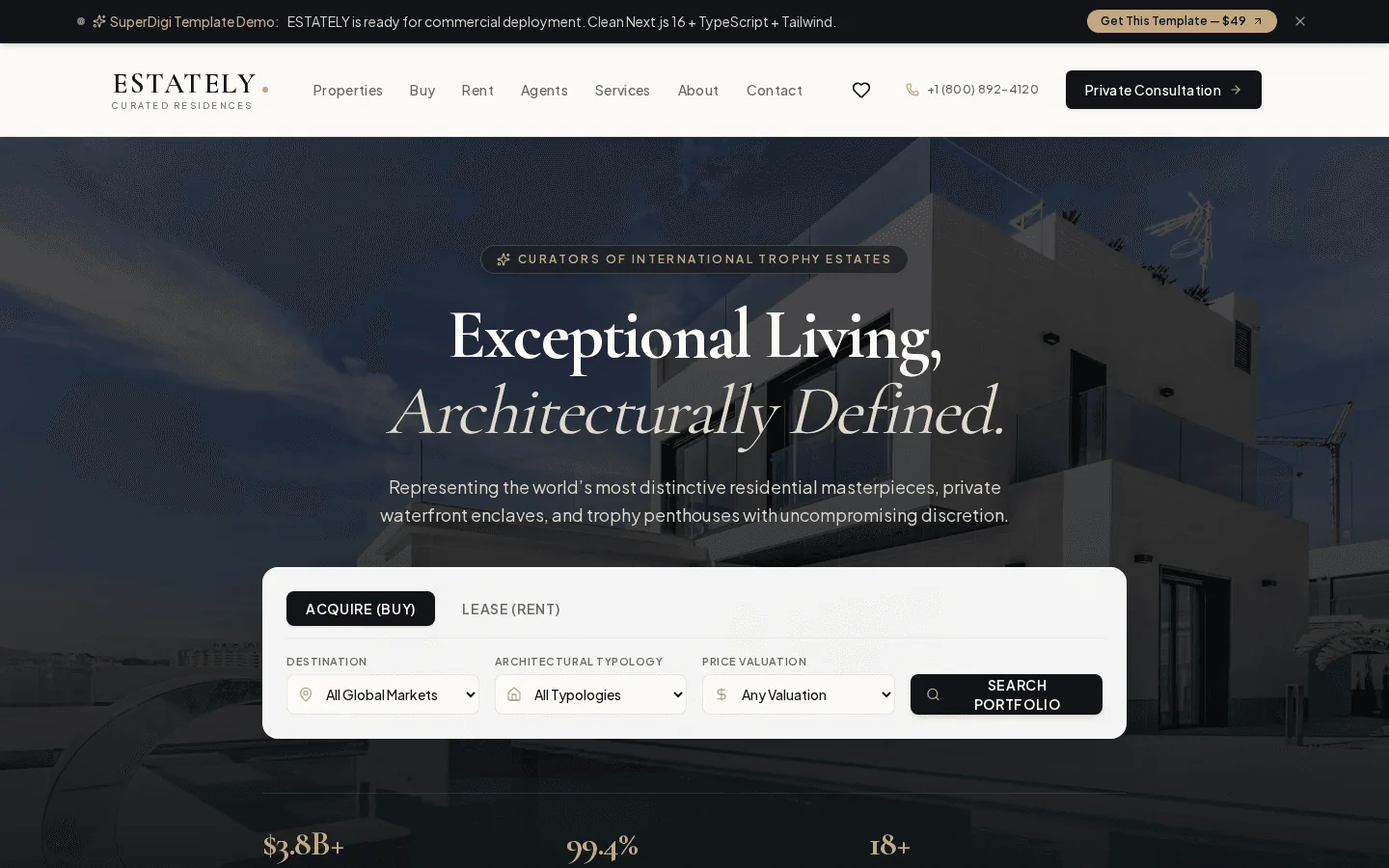
  • ESTATELY homepage hero with property search on desktop
    Featured

    Website Templates · Template

    ESTATELY — Luxury Real Estate Website Template

    Build a sophisticated real estate website with ESTATELY, a customizable Next.js template designed for real estate agencies, brokers, and web developers.

    Price: $49.00
  • cover
    Featured

    Website Templates · Template

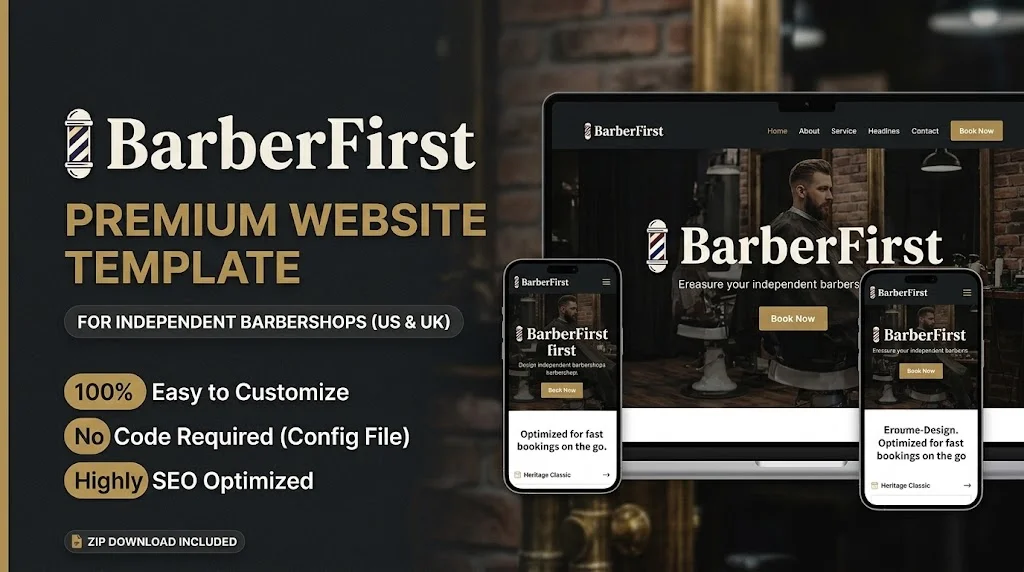
    BarberFirst: Premium Barbershop Website Template

    A high-performance, SEO-optimized static website template for independent US/UK barbershops. Delivered as a ZIP with an easy JSON config. Mobile Lighthouse on the demo: Performance 99, other scores 100.

    Price: $29.00Original price: $37.99Save 24%

We use essential cookies to keep you signed in and remember your cart. With your permission we also record anonymous usage (like product views and searches) to improve the store — no advertising. Cloudflare also measures page performance, without cookies. Privacy Policy